Explore a poster's visual direction before assembling the final layout. Describe the central motif, color palette, and space reserved for event details.
Music event: a prompt-led concept
Nano Banana Pro · 1K · 2:3
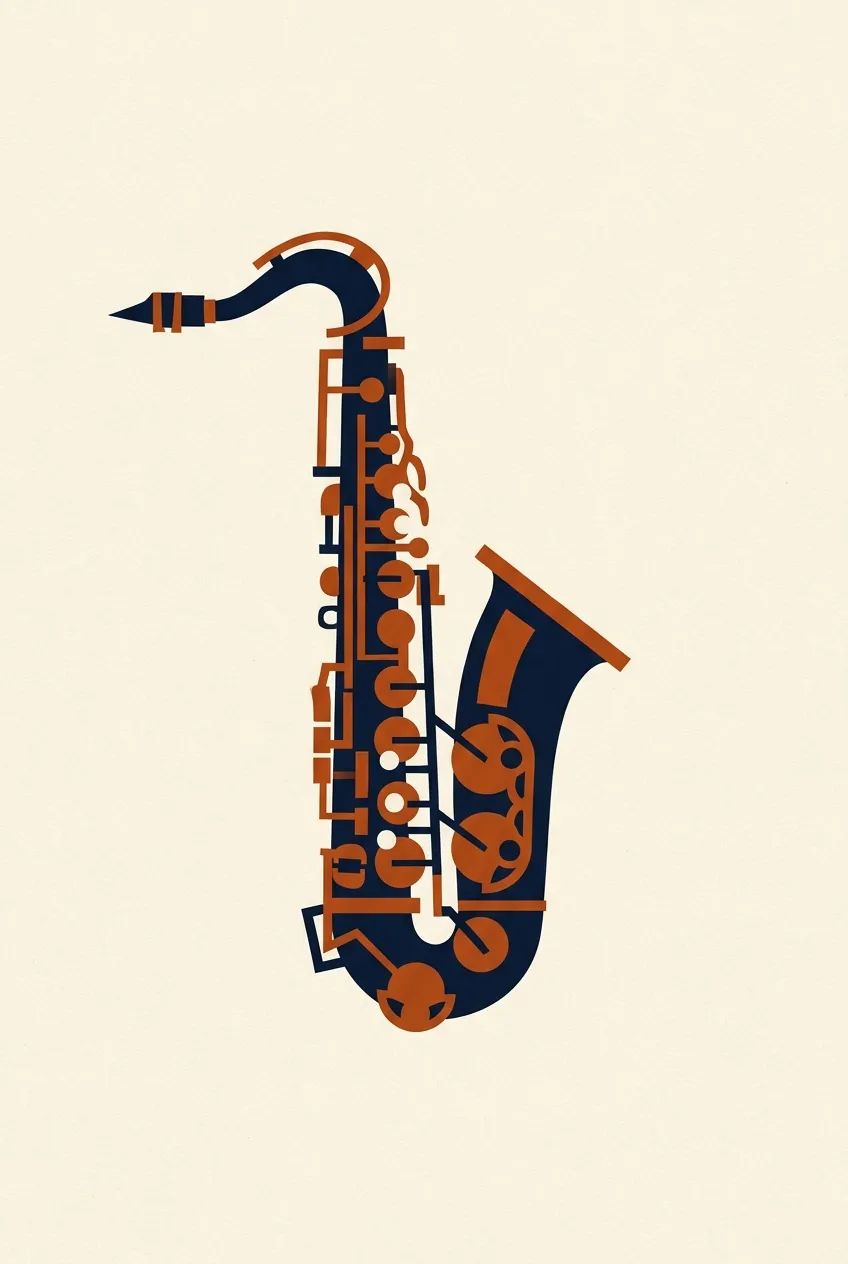
The requested navy and burnt-orange palette appears on cream paper. The saxophone is stylized, not mechanically accurate, and there is no event lettering. This is full-frame artwork, not a print-ready poster; add verified copy and print settings externally.
Generated · JPEG · 848 × 1264
If the image cannot load, its prompt and recorded settings remain below. No substitute image is used.
The full prompt
A portrait poster artwork concept for a fictional jazz evening. An abstract saxophone-shaped silhouette formed from deep navy and burnt-orange geometric shapes on an ivory background. Strong central composition with generous blank space at the top for a title and at the bottom for event details added later. No lettering or logos.
Only the prompt is filled. Choose your model and canvas manually; nothing is generated automatically.
How this prompt is built
Prompt checklist
Choose the visual motif, a small palette and empty areas for later type. Select a supported portrait canvas manually, then finish title, date, venue and print setup in a layout tool. Generated artwork is not a print-ready file.
Central motif
An abstract saxophone-shaped silhouette gives the fictional jazz event a visual theme without asking the model to render a finished event title.
Color and graphic language
Deep navy, burnt orange and ivory describe a limited palette. Geometric shapes ask for graphic artwork rather than a photograph.
Typography zones
Blank space at the top and bottom is reserved for a title and event details added later. Inspect the returned artwork before fitting real typography.
Suggested variation
Try a different central motif while keeping the palette when exploring alternatives. This is an untested suggestion; verify the actual output instead of assuming a repeatable layout.
Prompt tips
Describe one central motif and a limited palette to establish the visual direction.
Reserve specific areas for the title, date, venue, and other information.
Choose orientation in the workspace, then check the downloaded image against your intended layout.
Variations are suggestions, not a record of additional tests.
Two more prompt starters
These are additional ideas, not shown as tested results.
Workshop
A portrait poster artwork concept for a fictional pottery workshop. A pair of stylized clay bowls and a simple curved vase, illustrated with textured terracotta shapes against a pale cream background. Calm composition, limited earthy palette, objects grouped in the lower half. Leave the upper half open for typography added later. No text or logos.
A landscape poster artwork concept for a fictional botanical illustration exhibition. Three imaginary leafy stems drawn with fine dark-green lines on a warm white background, with small muted-yellow accents. Arrange the stems along the right side and leave the left side mostly blank for exhibition details added later. No text or logos.
No. This is an artwork concept. Assemble and verify typography, event details, final dimensions, resolution and print settings in a design tool.
Where do the title, date and venue go?
The prompt requests blank top and bottom areas for those details. The generator does not guarantee usable typography or exact spacing; add and check the final text yourself.
Does opening the portrait starter set the canvas?
No. Only the prompt is filled. Manually choose the model and supported portrait canvas or aspect ratio, review the quote and actively generate when account, credits and service checks permit it.
How do I write an event poster background prompt without text?
Describe one central motif, a limited palette and quiet areas reserved for the title, date and venue. Ask for no lettering, then check for unwanted marks in the output. Treat the artwork as a background: add verified event information and final type in a layout tool. An instruction to omit text does not guarantee a clean or print-ready result.
Can I adapt a poster prompt for a workshop or exhibition?
Yes. Start with the event theme and choose a single visual idea, such as an abstract tool shape for a workshop or a restrained geometric composition for an exhibition. Keep space for the audience-facing details and select a supported canvas manually. Each adaptation is an untested suggestion, not a tested result; verify the artwork and final print settings before use.
How can I create a birthday invitation background?
Describe a theme, a small palette and an open area for your party details. For example: A black birthday invitation background with gold paper ribbons around the outer edges and a wide plain center. Flat graphic artwork, no letters or numbers. This is an untested prompt idea, not a recorded result. Select a supported canvas in the Studio, then check for stray lettering and usable space. Add the name, date, venue and RSVP instructions in an external layout tool. PicSprig generates artwork; it does not provide editable invitation templates, photo editing or an RSVP service. Check the final dimensions and resolution before printing.
First-party analytics stays off until you allow it. You can change your choice at any time. Current status: Off until preferences are confirmed. · Privacy
AI Poster Design Prompts & Artwork Concepts | PicSprig AI