Create with GPT Image 2.5 Flare and Sunburst or Nano Banana 2 and Pro. GPT Image starts with low-quality 1024 × 1024 PNG images. Choose your model and review its current credit quote before generating.
Generation requires verified email, active trial access after email verification, sufficient credits, remaining daily allowance and an enabled service. No paid subscription is required.
Examples do not validate every model or canvas.
02
Your result
✳
A space for your next idea
Your finished image will appear here, ready to download.
Downloads use your browser. Clicking the link does not confirm that a file was saved.
PROMPT TO PICTURE
A starting point for your next idea.
Explore the prompt, its building blocks and what still needs a human eye.
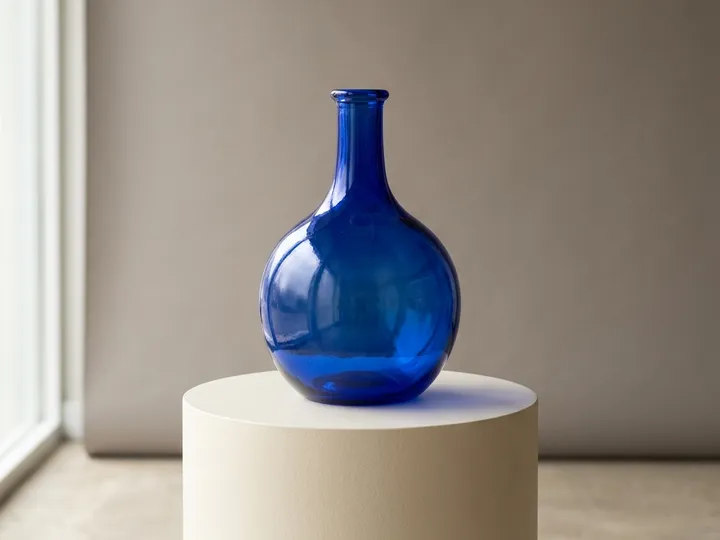
Nano Banana 2 · 1K · 1:1
List preview may be cropped. Open the guide for the full image.
Generated · JPEG · 1024 × 1024
AI Product Photo Prompts & Concepts
Describe a fictional product and explore how its shape, materials, lighting, and setting could work together in a product photo concept.
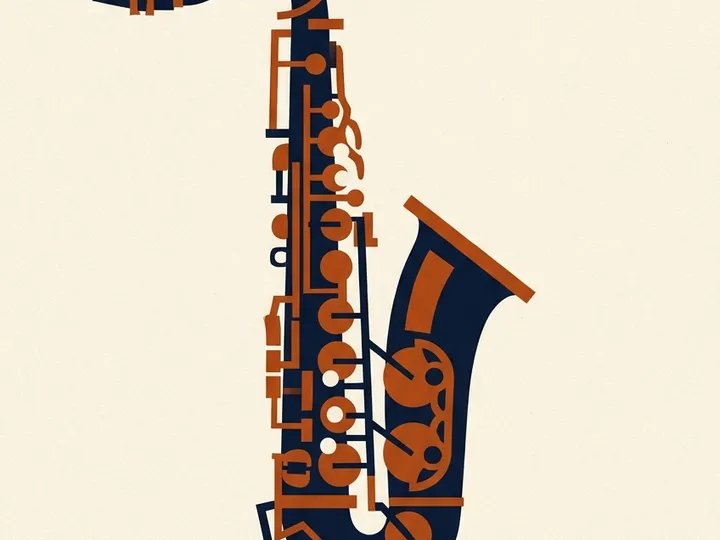
List preview may be cropped. Open the guide for the full image.
Generated · JPEG · 848 × 1264
AI Poster Artwork Prompts & Concepts
Explore a poster's visual direction before assembling the final layout. Describe the central motif, color palette, and space reserved for event details.
Start with a clear visual task, not a blank canvas. This walkthrough separates what you can explore now from the account, credit and availability checks required for a future generation.
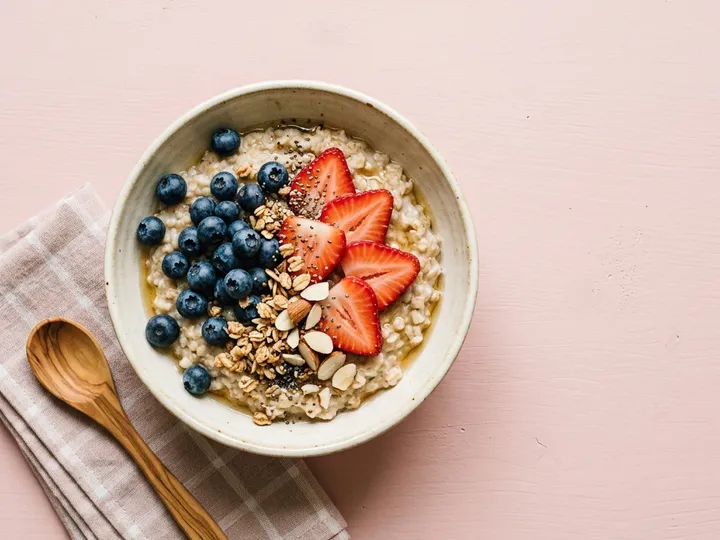
A useful prompt describes what should be visible and where it belongs. Work through a breakfast-image brief, with one recorded output and honest limits instead of an invented before-and-after comparison.
The selected shape, a provider size label and the downloaded file dimensions are different facts. Use the recorded portrait artwork to understand them before planning a screen layout or a print.
No. A guide opens a fixed prompt in the studio. You choose the model and canvas manually and decide when to generate. Opening a starter does not spend credits.
Can I upload a reference image or edit an existing photo?
Not currently. This workspace is text-to-image only; reference-image editing is not available. A text concept cannot guarantee an exact match to a real product.
Can I send generated poster artwork straight to print?
No. Add and verify final typography, event details, dimensions, resolution and print settings in an external design tool.
What do I need to generate?
A verified account, active trial access after email verification, sufficient available credits, an available quote for your selected settings, remaining daily allowance and an enabled service. These checks still apply when using a prompt guide. Email verification grants 100 welcome credits once; they do not expire. Verified email activates initial trial access; account restrictions still apply. This is not unlimited free generation.
First-party analytics stays off until you allow it. You can change your choice at any time. Current status: Off until preferences are confirmed. · Privacy
AI Image Generator: GPT Image & Nano Banana | PicSprig AI